
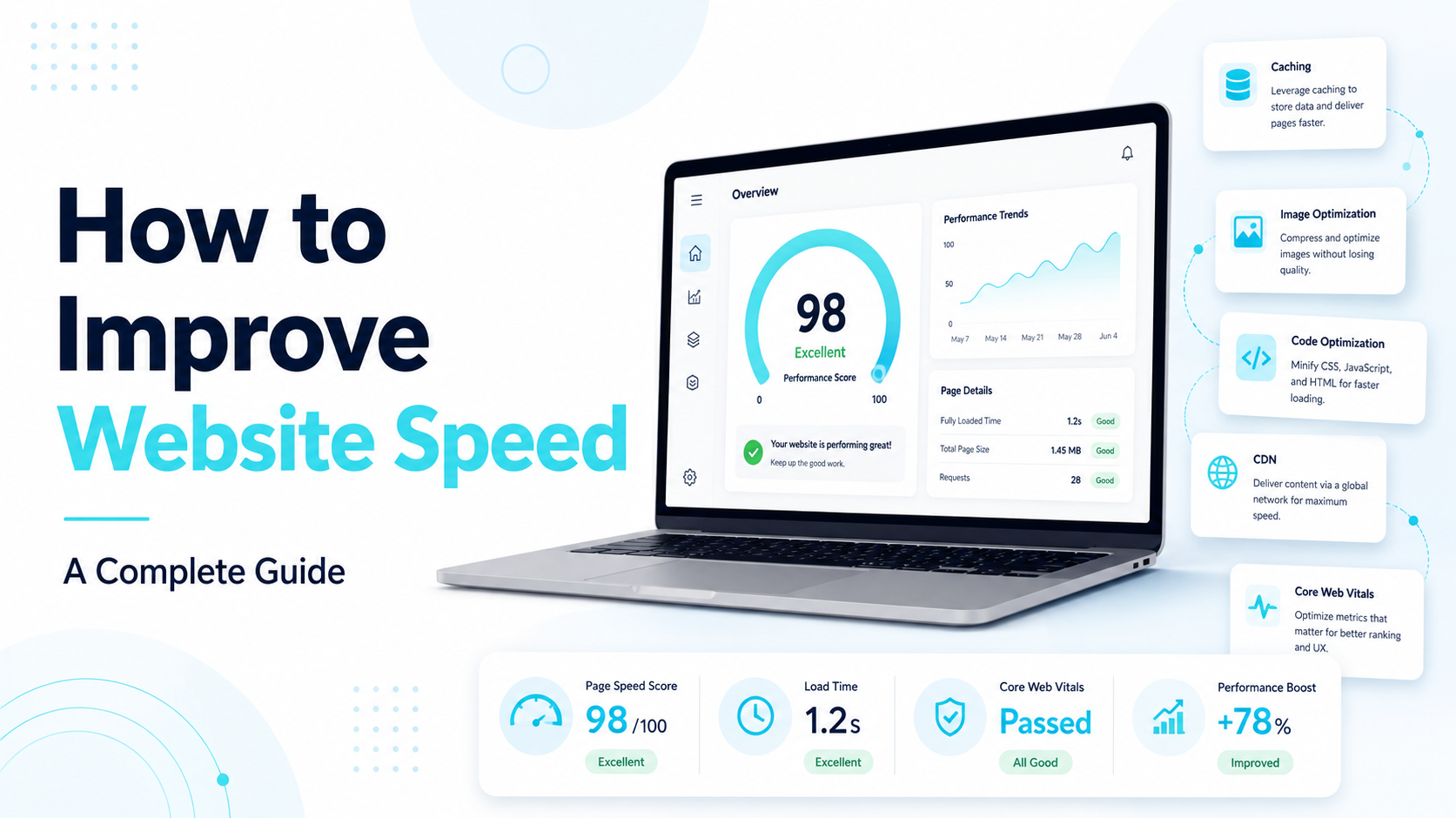
A slow website costs you more than patience. Studies consistently show that visitors abandon pages that take more than a few seconds to load, and Google factors page speed directly into search rankings. If your site feels sluggish, it’s likely losing you both visitors and search visibility at the same time.
The good news: most speed problems come down to a small number of common causes, and most of them are fixable without a full rebuild. Here’s what actually slows a website down, and what to do about it.
Why Website Speed Matters
Before getting into fixes, it’s worth understanding what’s actually at stake:
- Visitors leave fast. Every additional second of load time increases the chance a visitor leaves before the page even finishes loading.
- Google ranks faster sites higher. Page speed is a confirmed ranking factor, particularly on mobile, where Google evaluates Core Web Vitals — a set of metrics measuring loading speed, interactivity, and visual stability.
- Slow sites convert worse. Whether it’s a purchase, a form fill, or a booking, slower pages consistently see lower conversion rates than fast ones.
In short: speed isn’t a technical detail — it directly affects traffic, rankings, and revenue.
What Actually Slows a Website Down
Most speed problems trace back to a handful of common culprits:
1. Unoptimized Images
Large, uncompressed images are the single most common cause of slow websites. A photo straight from a phone or camera can be several megabytes — far more than a webpage needs.
2. Too Many Plugins or Scripts
Every plugin, tracking script, or third-party widget adds extra code the browser has to load. A handful is fine; dozens of them stacked up will noticeably slow a site down.
3. Poor Hosting
Cheap, overcrowded shared hosting means your site is competing with hundreds of others for the same server resources. This is one of the most overlooked causes of slow load times.
4. No Caching
Without caching, a server rebuilds each page from scratch for every single visitor, instead of serving a pre-built, ready-to-go version. This adds unnecessary load time on every visit.
5. Bloated Code
Themes and templates — especially heavily “all-in-one” website builder themes — often load far more CSS and JavaScript than a given page actually needs.
6. No Content Delivery Network (CDN)
Without a CDN, every visitor loads your site from a single server location, regardless of how far away they are. A visitor on the other side of the world will experience real, avoidable delay.
How to Improve Website Speed: Step by Step
1. Test Your Current Speed First
Before making changes, get a baseline. Tools like Google PageSpeed Insights or GTmetrix will show you a score, along with specific issues slowing your site down — this tells you exactly where to focus instead of guessing.
2. Compress and Resize Images
Reduce image file sizes before uploading them, and use modern formats like WebP instead of large JPG or PNG files where possible. This alone often produces the biggest single speed improvement.
3. Remove What You Don’t Need
Audit your plugins, scripts, and embedded widgets. If something isn’t actively serving a purpose, remove it — every unnecessary script is extra weight the page has to load.
4. Enable Caching
Turn on caching so repeat visitors (and search engine crawlers) get a faster, pre-built version of your pages instead of the site rebuilding everything from scratch each time.
5. Use a CDN
A content delivery network stores copies of your site across multiple global locations, so visitors load it from a server near them rather than one far away.
6. Upgrade Your Hosting If Needed
If your site is still slow after the steps above, hosting quality is often the underlying issue. Moving from cheap shared hosting to a better-managed hosting plan can make a significant difference on its own.
7. Minify Code
Minifying CSS and JavaScript strips out unnecessary characters and whitespace from your code, reducing file size without changing how the site looks or functions.
8. Fix What’s Slowing Down Mobile Specifically
Mobile visitors often experience slower speeds than desktop, since they may be on weaker connections. Test your site’s mobile speed specifically, not just desktop, since Google evaluates them separately.
How Fast Should Your Website Be?
As a general benchmark, aim for a page load time under 2–3 seconds, and a Google PageSpeed score of 90+ where realistically possible. Perfect scores aren’t always necessary — the goal is removing the delays visitors actually notice, not chasing a number for its own sake.
When to Get Help
Some speed issues are a quick fix — compressing a few images, removing an unused plugin. Others, especially hosting migrations, caching configuration, or a site built on bloated code from the start, are worth handing to someone who does this regularly, since a wrong change can break site functionality if you’re not careful.
Frequently Asked Questions
How much does website speed actually affect SEO rankings? Page speed is a confirmed Google ranking factor, particularly for mobile search, though it works alongside — not instead of — strong content and site structure.
Can I improve website speed without a developer? Some fixes — image compression, removing unused plugins, enabling built-in caching — can be done without technical help. Hosting changes and code-level optimization are usually best handled by a developer.
How often should I check my website speed? Checking every few months, or after any major site change (new plugin, redesign, new hosting), helps catch slowdowns before they affect traffic or rankings.
Braincelo offers performance optimization and ongoing website maintenance to keep sites fast and reliable. If your site’s WordPress or Shopify-based, our Shopify vs WordPress guide also covers platform-specific performance differences worth knowing. Book a free call if you’d like a speed audit of your current site.
Found it useful? Pass it along.
 READ
READ 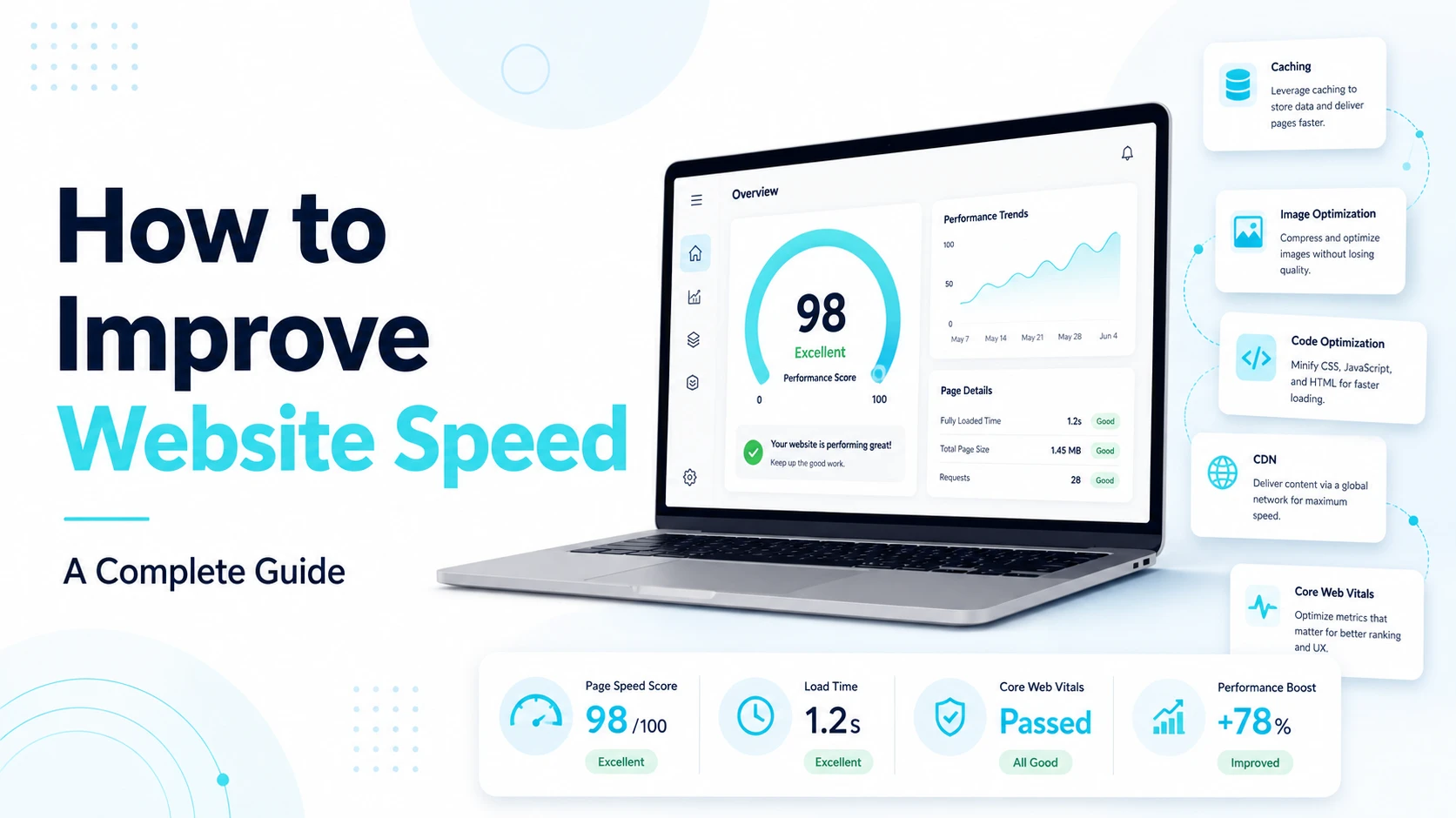 READ
READ  READ
READ